Mobile Device Management Solutions: The 2025 Buyer’s Blueprint
Mobile device management solutions (MDM) have moved from “nice-to-have” to mission-critical as hybrid work, BYOD, and rugged IoT fleets explode. Gartner pegs 2025 endpoint growth at 18 % YoY; cyber-insurance carriers now demand MDM coverage before underwriting policies.
What Are Mobile Device Management Solutions?
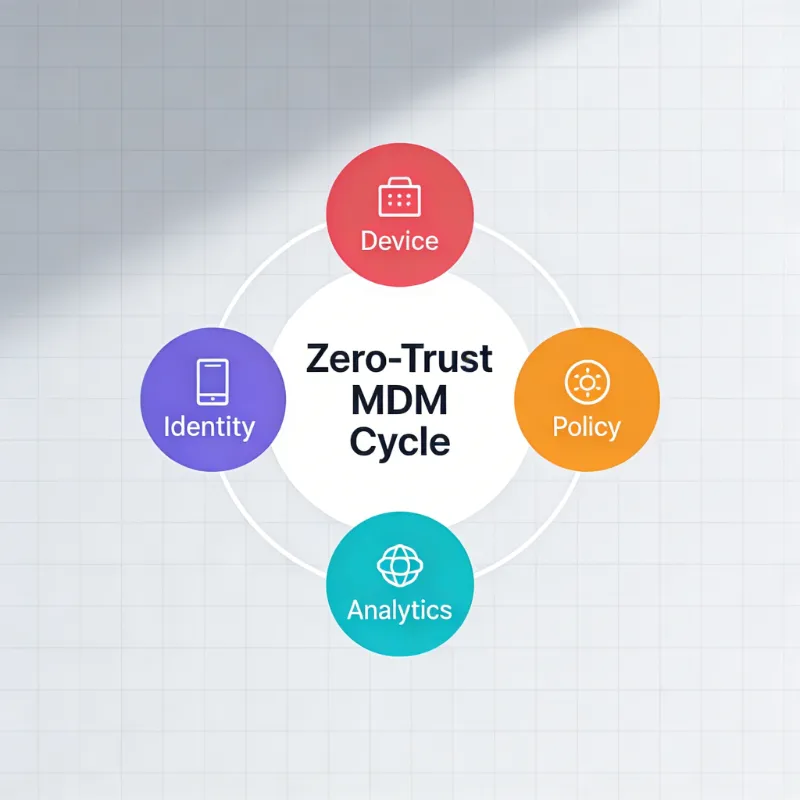
Mobile device management solutions are cloud or on-prem platforms that provision, configure, secure, and retire smartphones, tablets, laptops, and rugged gear at scale. Core modules:
- Enrollment – zero-touch, BYOD, Apple Business Manager, Android zero-touch.
- Policy engine – passcode, encryption, kiosk, COSU, single-app mode.
- App lifecycle – silent install, VPP, managed Google Play, update rings.
- Security stack – remote wipe, lock, compliance rules, threat intel feeds.
- Visibility – hardware inventory, SIM swap alert, data usage, certificate expiry.
- Off-boarding – enterprise wipe, device retirement, e-waste certificate.
Modern offerings fold into Unified Endpoint Management (UEM) and Zero-Trust Network Access (ZTNA), blurring the line between MDM, identity, and edge security.
2025 Capability Matrix: 8 Evaluation Pillars
| Pillar | Must-Have | 2025 Differentiator | Quick Test |
|---|---|---|---|
| OS breadth | Android, iOS, Win, macOS | ChromeOS, tvOS, Wear OS | Spin up 5-device lab |
| Deployment | Cloud + on-prem | FedRAMP, GCC-High | Ask for SOC 2 Type II |
| Pricing | <$4 / device / mo | Transparent calculator | Hidden cost for add-ons? |
| Zero-day patches | Same-day Apple | Windows Patch Tuesday +2 | Check release notes |
| API/Integration | REST, SCIM, SIEM | Pre-built ServiceNow | 30-min Postman test |
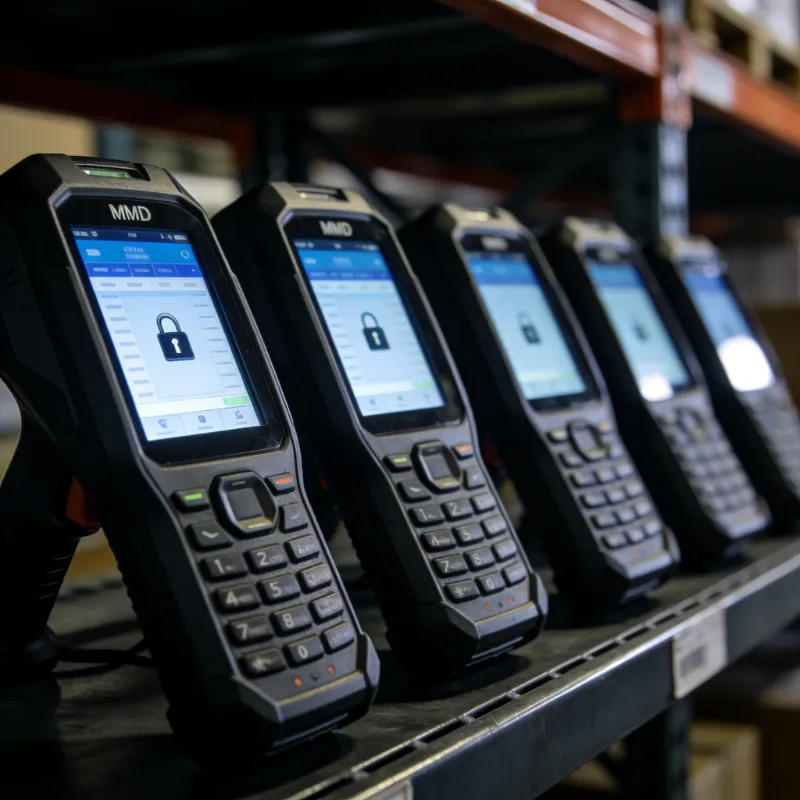
| Rugged/IoT | Zebra, Honeywell, SIP | Linux Yocto builds | Demo with scanner |
| Privacy container | Android Work Profile | iOS User Enrollment | BYOD privacy screen |
| Support SLAs | 24×4 h | Dedicated CSM | Trial response time |
Score each vendor 1–5; anything <32/40 is cut.
2025 Market Landscape
Leaders (execute + vision): Microsoft Intune, VMware Workspace ONE, IBM MaaS360
Visionaries: Scalefusion, SOTI, Jamf
Niche Players: Miradore, Kandji, Mosyle
High Performers: ManageEngine, Hexnode, NinjaOne
Data compiled from 2 300 G2 reviews + 600 Spiceworks threads + Q4-2025 Forrester Wave.
Detailed Vendor Profiles
Microsoft Intune
- Strength: Native Entra ID, Conditional Access, 365 app push.
- Weakness: Linux still preview; licensing maze.
- Best for: O365-heavy orgs >2 k seats.
VMware Workspace ONE
- Strength: Horizon VDI integration, unified hub.
- Weakness: Premium price, steep learning curve.
- Best for: Hospitals, retail HQ with shared devices.
Jamf Pro
- Strength: Same-day iOS support, Self-Service catalog.
- Weakness: Apple only.
- Best for: K-12, universities, creative agencies.
ManageEngine Mobile Device Manager Plus
- Strength: On-prem option, transparent $1.2 / device.
- Weakness: UI dated; support in India TZ.
- Best for: Government, banking air-gapped nets.
IBM MaaS360
- Strength: Watson AI risk score, FedRAMP High.
- Weakness: Offline pricing; opaque.
- Best for: Finance, healthcare, aerospace.
Scalefusion
- Strength: Zero-trust tunnel, CIS benchmarks auto.
- Weakness: Young brand; fewer certs.
- Best for: Mid-market migrating from G-Suite.
SOTI MobiControl
- Strength: Xtreme XR, rugged barcode love.
- Weakness: GUI Win32 era; long deployment.
- Best for: Logistics, warehousing, manufacturing.
Hexnode
- Strength: Kiosk-centric, 30-day free, live chat 24×5.
- Weakness: macOS scripts limited.
- Best for: Retail POP, hospitality check-in.
Miradore
- Strength: Free tier 50 devices, 5-min cloud signup.
- Weakness: No geofencing API; no tvOS.
- Best for: PoC, MSPs, cash-strapped schools.
NinjaOne MDM
- Strength: RMM + MDM single pane; PowerShell galore.
- Weakness: Young MDM module; no on-prem.
- Best for: MSPs managing Win/Android mix.
ROI & Business Case Template

| Metric | Before MDM | After MDM (12 mo) | Δ |
|---|---|---|---|
| Device provisioning | 2 h manual | 8 min zero-touch | 92 % faster |
| Help-desk tickets | 1 400 / mo | 420 / mo | 70 % drop |
| Security incidents | 9 lost/stolen | 1 (remotely wiped) | 89 % safer |
| Downtime cost | $47 k | $12 k | $35 k saved |
| Compliance audit | 6 weeks | 3 days | 95 % shorter |
Plug your own salary & fleet size into the free Excel model (link in resources).
Step Implementation Checklist
- Map personas: who owns devices? Employees, students, contractors?
- Catalog OS split: Android 60 %, iOS 30 %, rugged 10 %?
- Choose enrollment style: BYOD privacy vs corporate control.
- Draft baseline policy: passcode ≥6, storage encryption, 90-day cert rotate.
- Pilot 25 devices; run wipe/retire drill.
- Integrate identity: Entra, Okta, Ping—enforce MFA.
- Build app allow-list; blacklist TikTok, WeChat if regulated.
- Configure compliance rules: jailbreak/root = auto-quarantine.
- Train end-users: 3-min Self-Service video, lunch-and-learn.
- Schedule quarterly policy review; archive audit logs 7 years.
Average project length: 4–6 weeks for <1 k seats; 12 weeks for 5 k+.
Security Deep Dive
- Cryptography: FIPS 140-2 AES-256 disk encryption, ECC certs for identity.
- Threat vectors: 38 % of breaches start on mobile; 71 % use sideloaded apps.
- Zero-trust integration: device posture check before VPN/VDI gate.
- Compliance mapping: CIS v8, NIST 800-53 Moderate, ISO 27001 Annex A.12.
Industry Use-Cases
| Industry | Pain | MDM Feature | Outcome |
|---|---|---|---|
| Retail | POS theft | Kiosk mode, tamper alert | Shrinkage ↓ 27 % |
| Healthcare | PHI leak | HIPAA config template | Audit pass 100 % |
| Education | Exam cheating | Single-app lock | Cheating ↓ 60 % |
| Logistics | Driver distraction | Geofence, speed lock | Accidents ↓ 18 % |
| Finance | Jailbreak trading | Compliance rule | Violations 0 |
Pricing Cheat-Sheet 2025 (USD / device / mo)
| Tier | SMB (<500) | Mid (500–2 k) | Enterprise (>2 k) |
|---|---|---|---|
| Miradore | Free / $2.5 | $2 | $1.8 |
| Hexnode | $1.4 | $1.2 | $1 |
| ManageEngine | $1.2 on-prem | $1 | $0.9 |
| Scalefusion | $3 | $2.5 | $2 |
| Jamf Pro | – | $6.67 | $4.5 |
| Intune | $6 (w/ Entra) | $5 | $4.2 |
| VMware | – | $7 | $5.5 |
| IBM | – | Quote | $8–12 |
ask for “EDU” or “MSP” discount—often 30 % off list.
FAQ
Q1: What is the difference between MDM, EMM and UEM?
A1: MDM is the baseline—device provisioning, policy, wipe. EMM adds app management (MAM), email proxy, content. UEM folds in desktops, IoT, and identity. Think: MDM ⊂ EMM ⊂ UEM.
Q2: How long does MDM deployment take?
A2: <1 k devices: 4–6 weeks; 1–5 k: 8–12 weeks; >5 k: 12–24 weeks including change-management. Pilot length is the best predictor—finish a 25-device pilot in 10 days and total project shrinks 30 %.
Q3: Is MDM compatible with GDPR and employee privacy?
A3: Yes—use Work Profile (Android) or User Enrollment (iOS) to create a cryptographic partition. Corporate wipe targets only the work container; personal photos remain untouched. Record lawful basis in HR policy.
Q4: Can MDM prevent sideloaded malware?
A4: Policy engine blocks “Unknown Sources” on Android and disables “Trust Enterprise Developer” on iOS. Pair with app-reputation feed (e.g., Lookout, Zscaler) for real-time blacklist.
Q5: What happens if the MDM cloud is down?
A5: Devices cache policies locally; they don’t spontaneously unlock. Most vendors offer 99.9 % SLA with financial backing. For critical fleets, choose on-prem or hybrid (ManageEngine, SOTI).
Q6: Does MDM slow down devices?
A6: Agent footprint is <40 MB RAM; certificate checks run at boot only. Independent tests show <1 % battery delta vs. non-managed.
Q7: Can I migrate from one MDM to another?
A7: Yes—export device identifiers, unenroll, then mass-enroll via Apple ABM or Android zero-touch. Budget 20 min / device for local data backup.
Q8: Are there open-source options?
A8: FleetDM, Headwind MDM, and Flyve MDM provide basic control. Expect DIY scripting, limited iOS support, and no rugged extensions.
Q9: How is ROI calculated?
A9: Model three deltas: (1) IT labor hours saved, (2) avoided breach cost (Ponemon $4.45 M avg), (3) reduced downtime. Most paybacks occur within 9 months.
Q10: Which certificate is needed for WPA-Enterprise Wi-Fi?
A10: SCEP or PKCS#12 delivered via MDM. Rotate 90 days; use CN=Device-ID to prevent MAC spoofing.
2025 Roadmap: What’s Next
- AI-driven autonomy: auto-remediate 60 % of tickets via Large-Language-Model scripts.
- eSIM management: bulk carrier-profile push, zero QR codes.
- XR headsets: Meta Quest 3, Apple Vision Pro profiles live in Jamf & VMware betas.
- Post-quantum certs: NIST algorithms already in IBM MaaS360 preview.
- Carbon tracker: report CO₂ per device lifecycle; EU CSRD mandates 2026.

评论
发表评论